
How to View Account Information
To Get Started, follow these steps.
Step 1
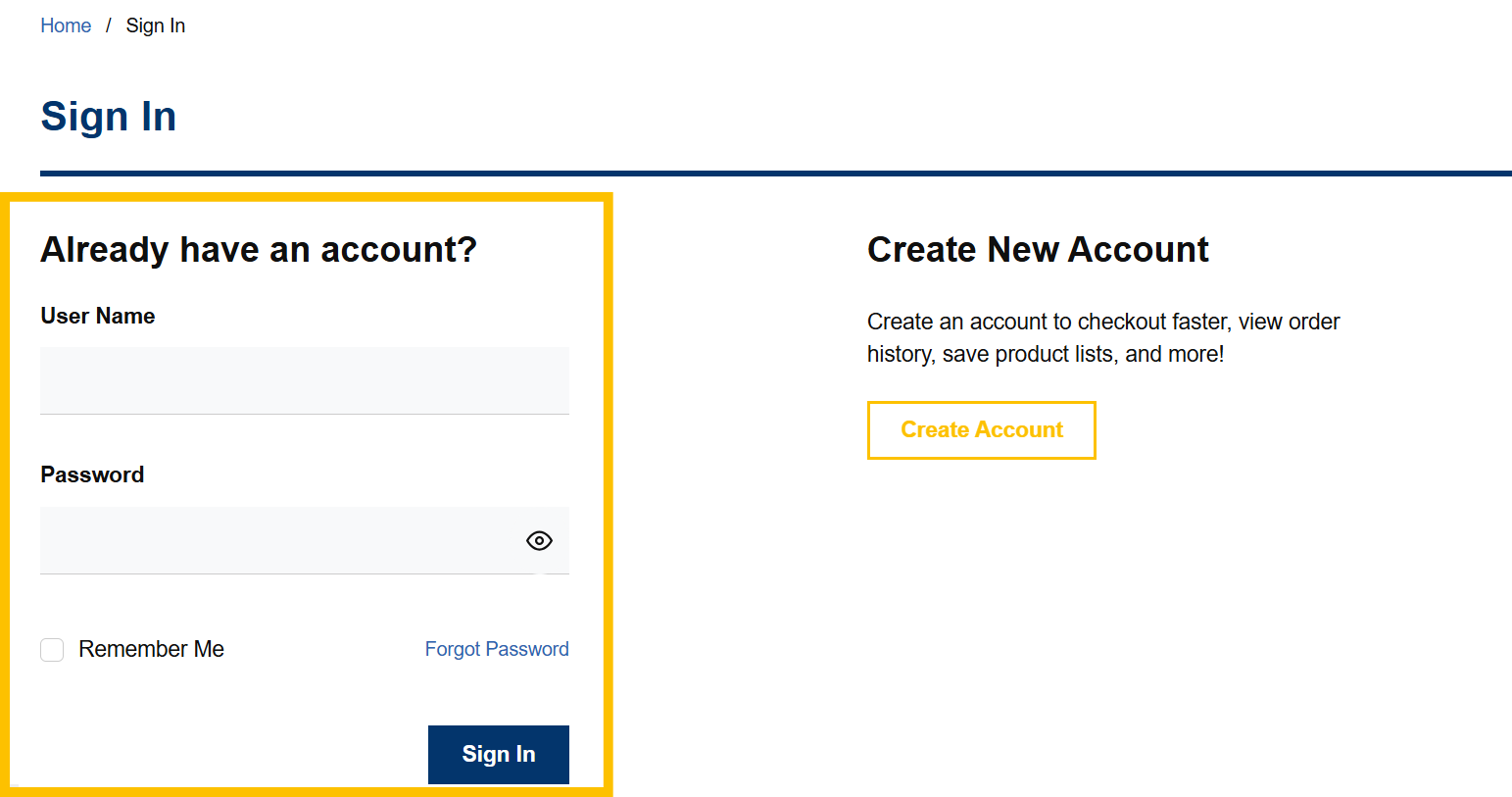
Login to your account by clicking on the “Sign In” button at the top right of the screen and then fill in the required fields.
If you have forgotten your password, refer to the Forgot Password help page.

Step 2
Once logged into your account, click on “Account Settings” in the top right corner of the page.
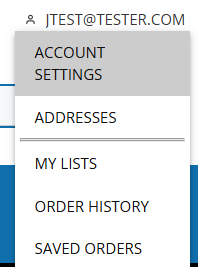
This will load Your Account Settings page, where you can view your contact information, address information, and defaults set.