
How To Check Order History
To Get Started, follow these steps.
Step 1
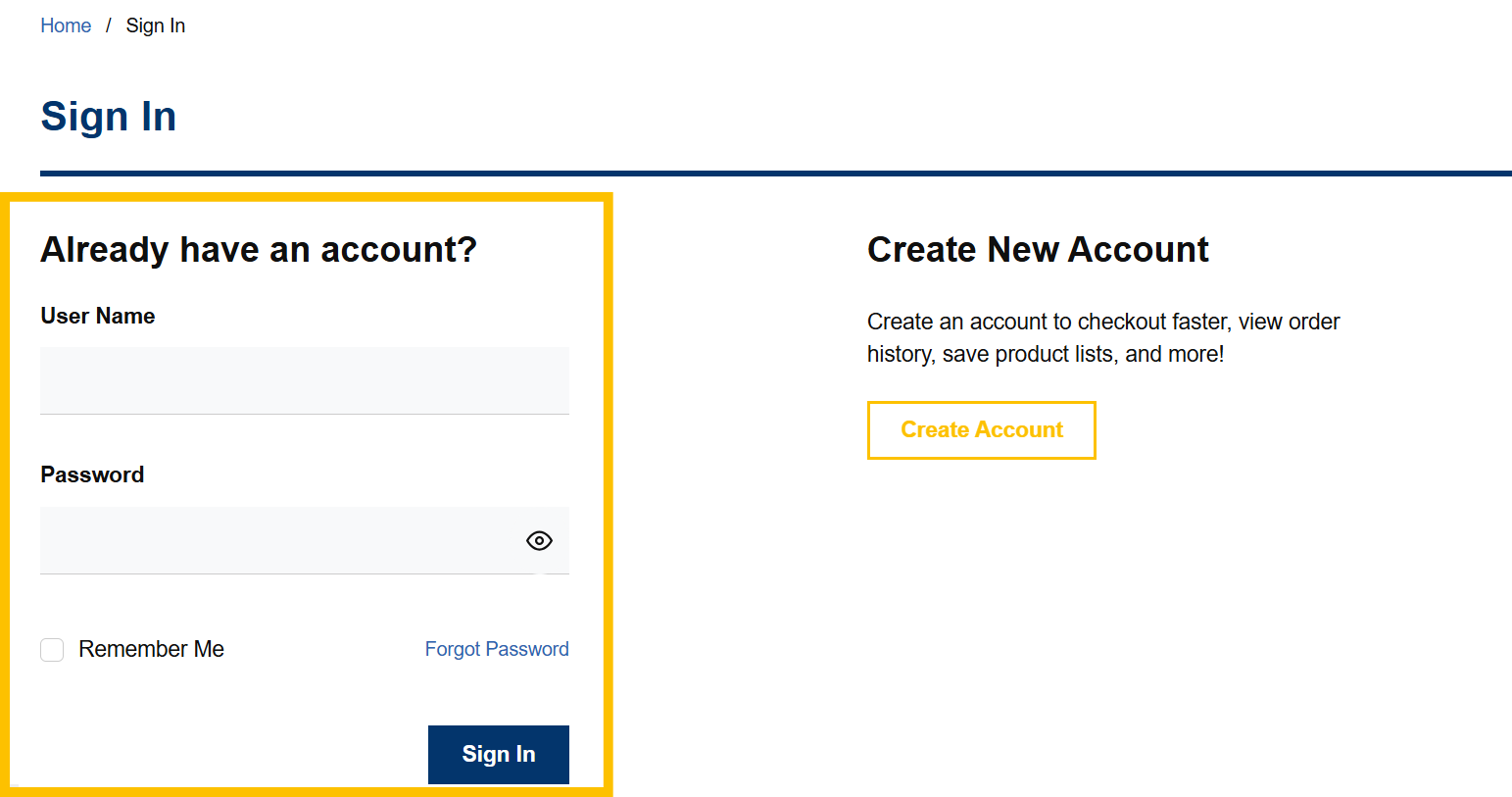
Log in to your VoltDepot.ca account.

Step 2
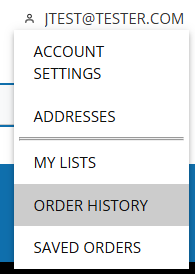
Once logged in, click "Order History" under your account navigation menu.
Step 3
Click on your order number to find details about that order, email the details, print, or reorder.
Additional Notes
You may filter your orders by clicking on the cone on the right side of the page. Once clicking that, you may filter by Order Number, Date, Order Total, Statuses, etc.
You may also search by product name or number, PO number, Order number, date range, etc.