Update Password
To Get Started, follow these steps.
Step 1
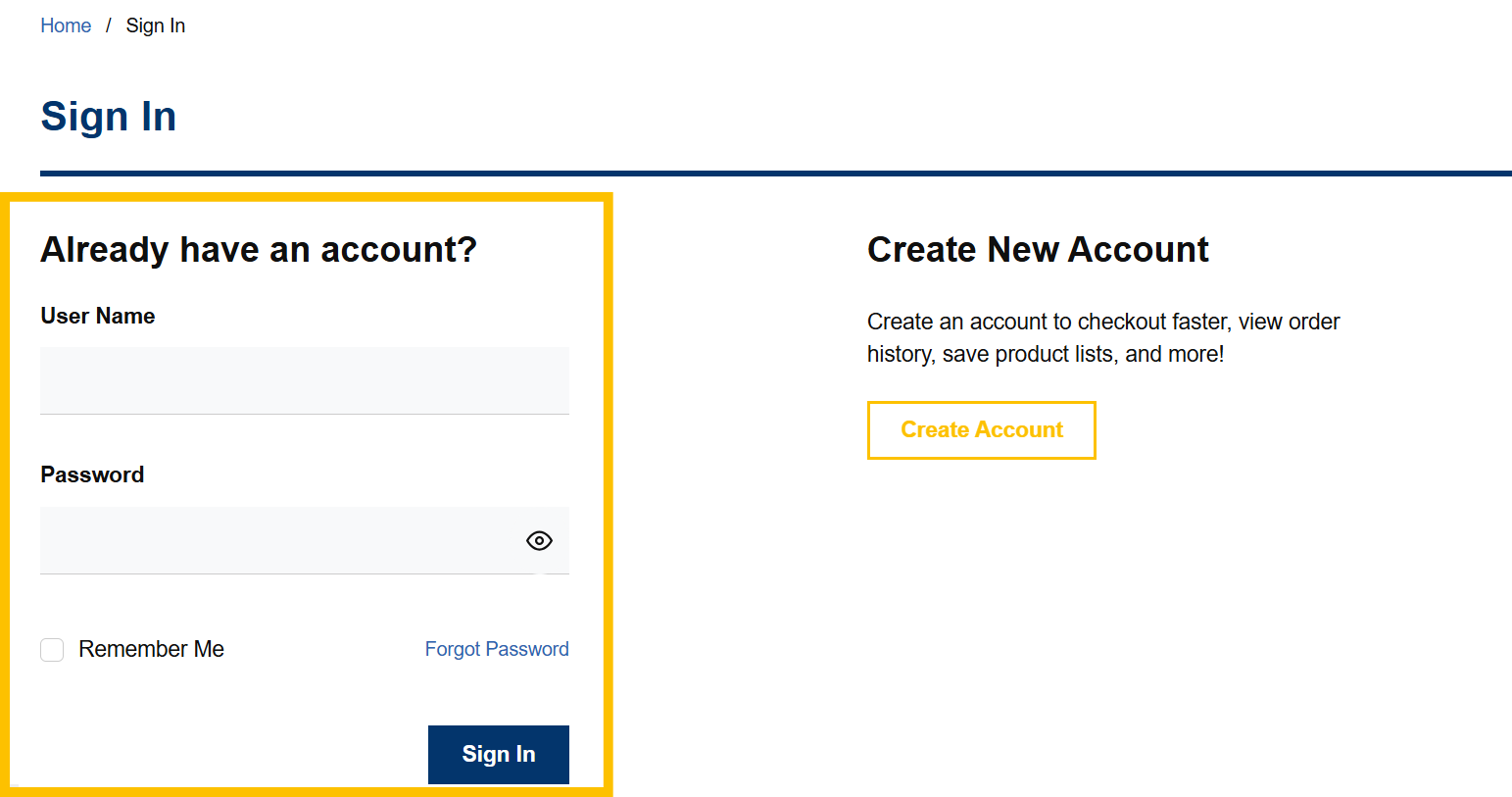
Log in to your VoltDepot.ca account.

Step 2
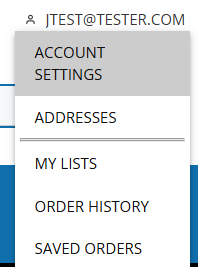
Once logged in, click "Account Settings" under your account navigation menu.
Step 3
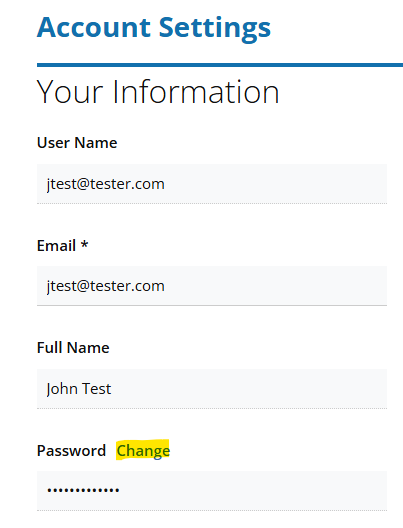
Click "Change" beside the Password field.
Step 4
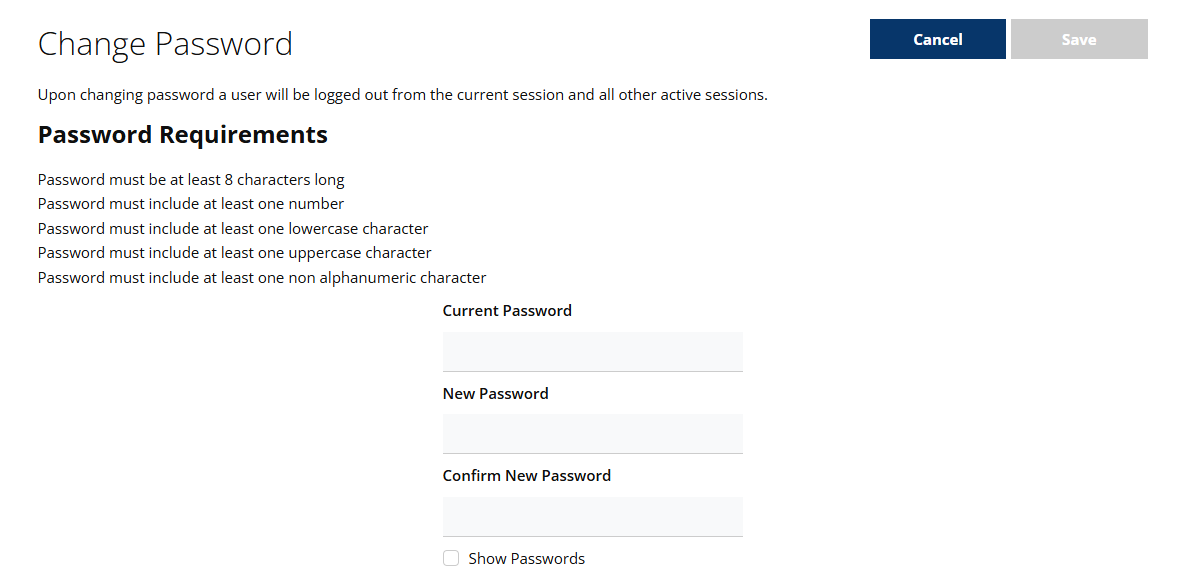
Enter both your old password and new password in the required fields.
Then click the "RESET PASSWORD" button.